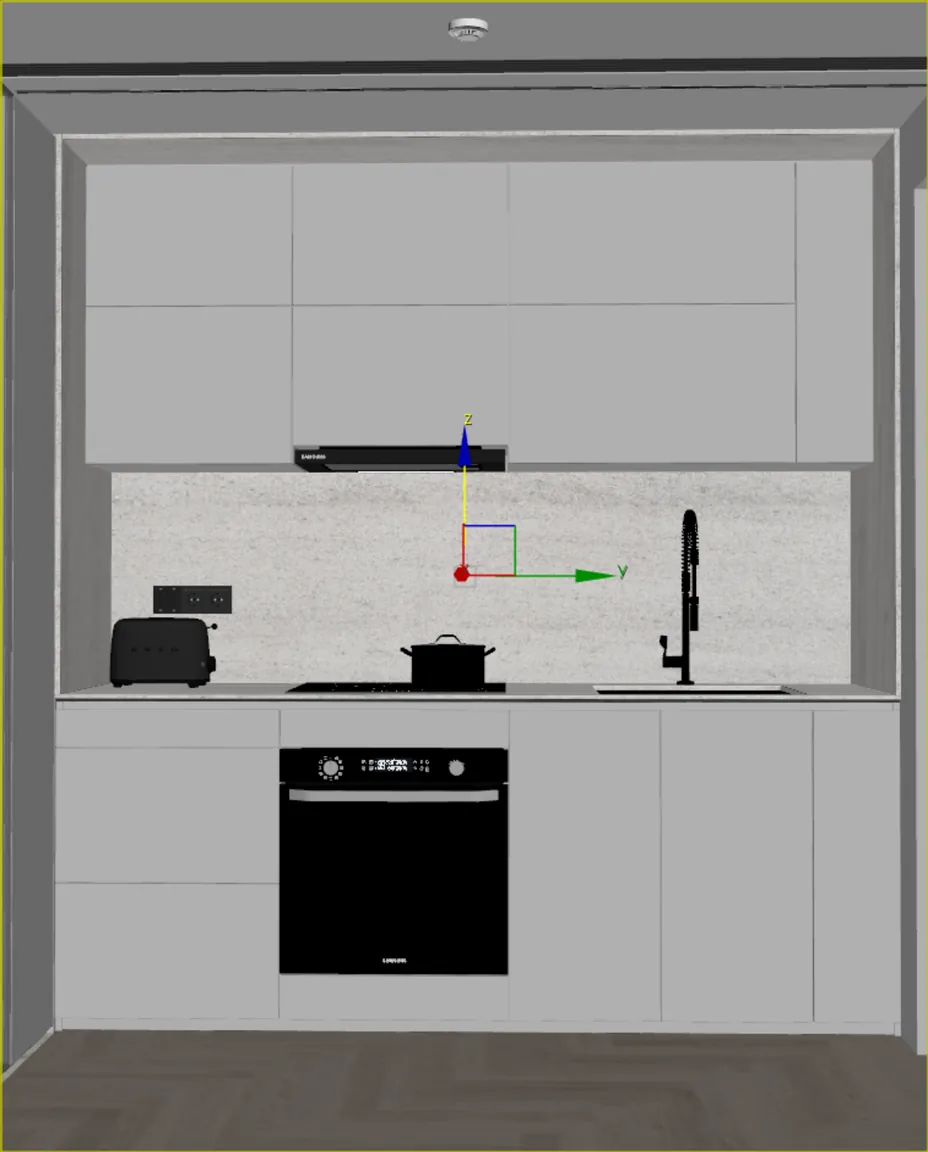
Raw viewport, real image.
CelebAI Studio is an AI plugin that runs inside 3ds Max. It captures your camera and turns the scene into a photoreal image.
Launch price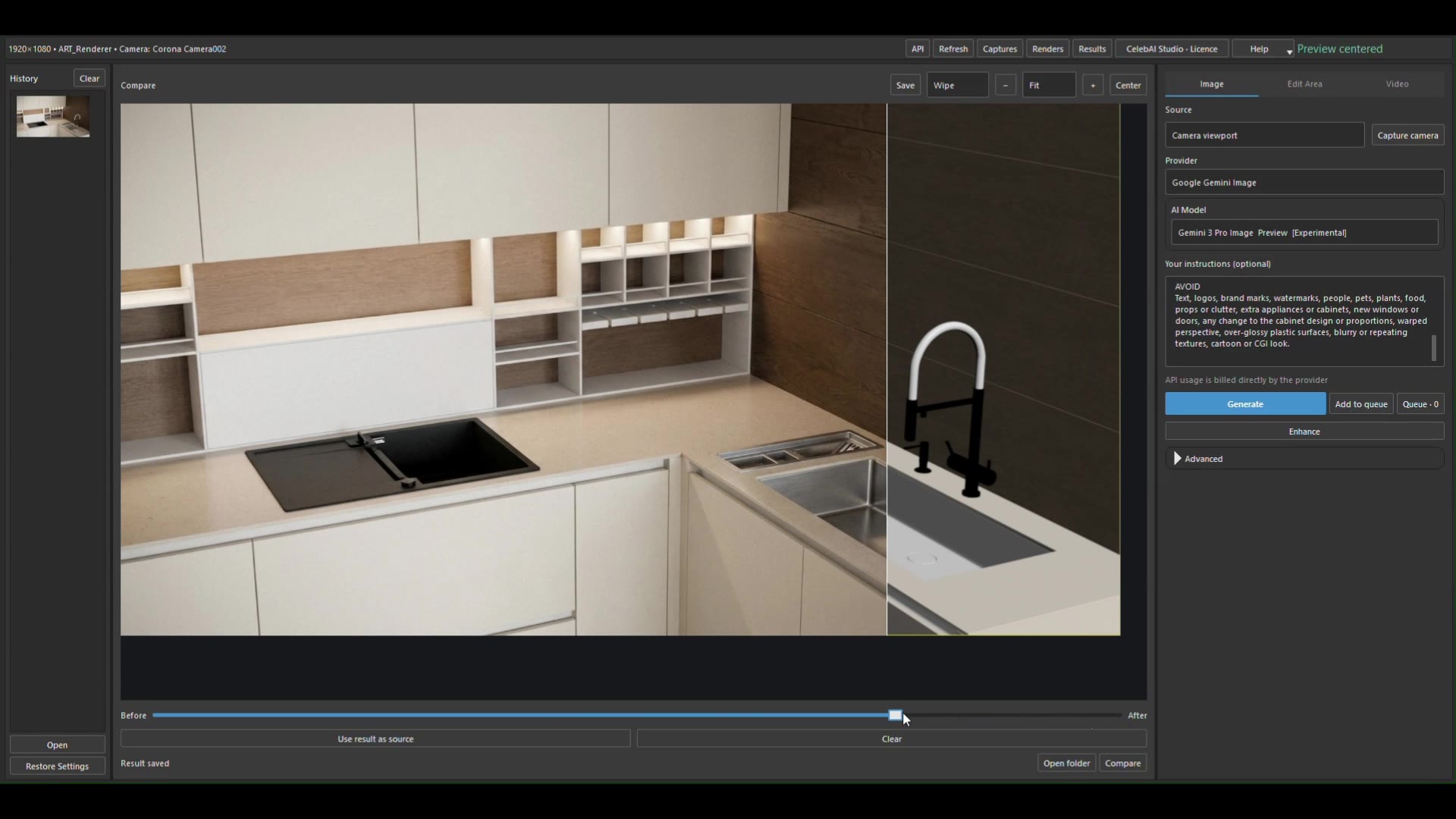
Pick a camera in 3ds Max.
CelebAI Studio opens inside 3ds Max.
The viewport comes in as it is.
You choose the provider.
Local ComfyUI or a cloud provider.
Describe what you want.
Materials, textures, light, mood, design details. In your own language.
Generate. The scene turns photoreal.
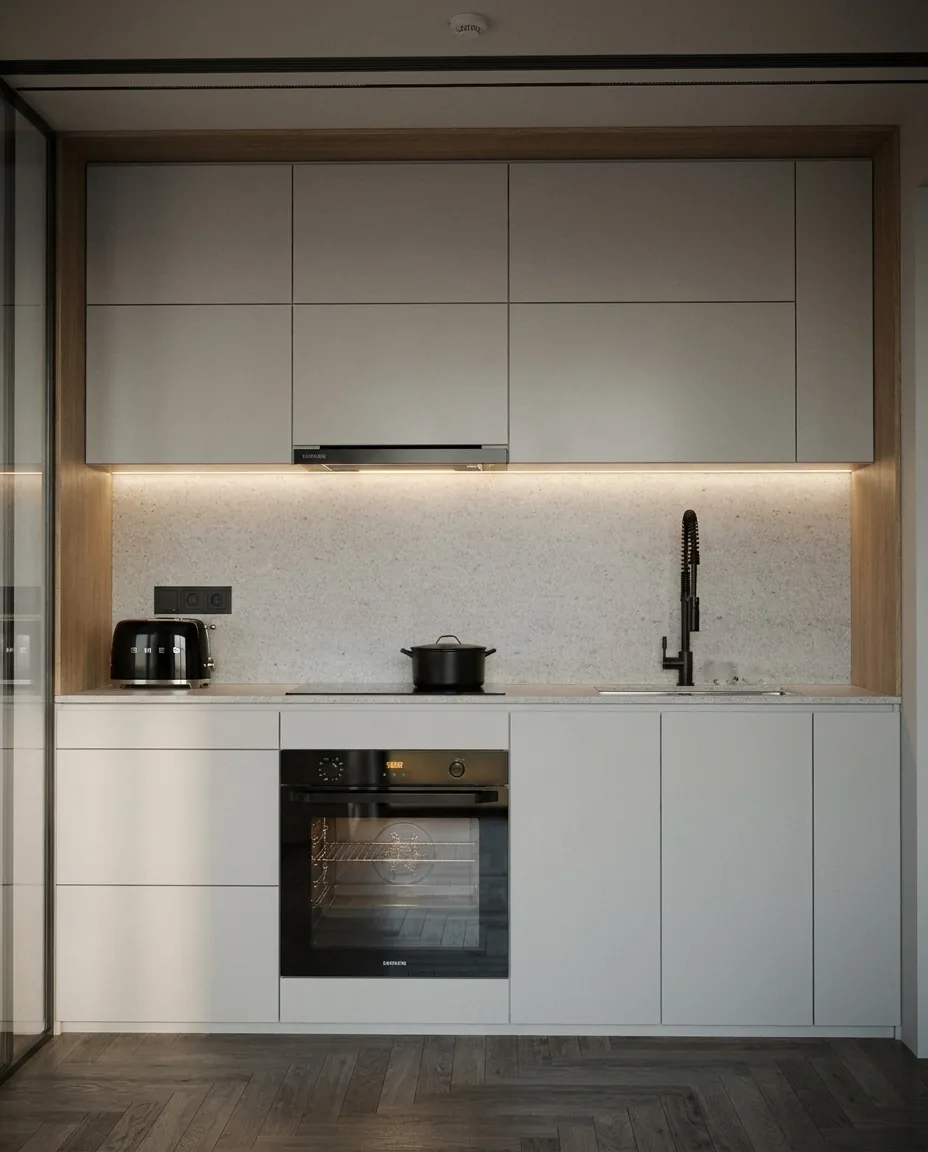
Left of the line, the result. Right of it, the raw scene.
The design stays. Material and light arrive.
Shelf light, stone worktop, wood panel.
The steel sink, up close.
Choose your provider.
One panel, several models. Usage is billed directly by the provider you choose. Local ComfyUI has no API charge.
Image
- ComfyUILocal
- GoogleGemini
- OpenAIGPT Image
- Black Forest LabsFLUX
- RunwayImages
Video
- GoogleVeo
- RunwayVideo
- Kling AIKling
Drag the line yourself.
Five scenes, each from its own 3ds Max camera. The CelebAI Studio result on the left, the viewport on the right.
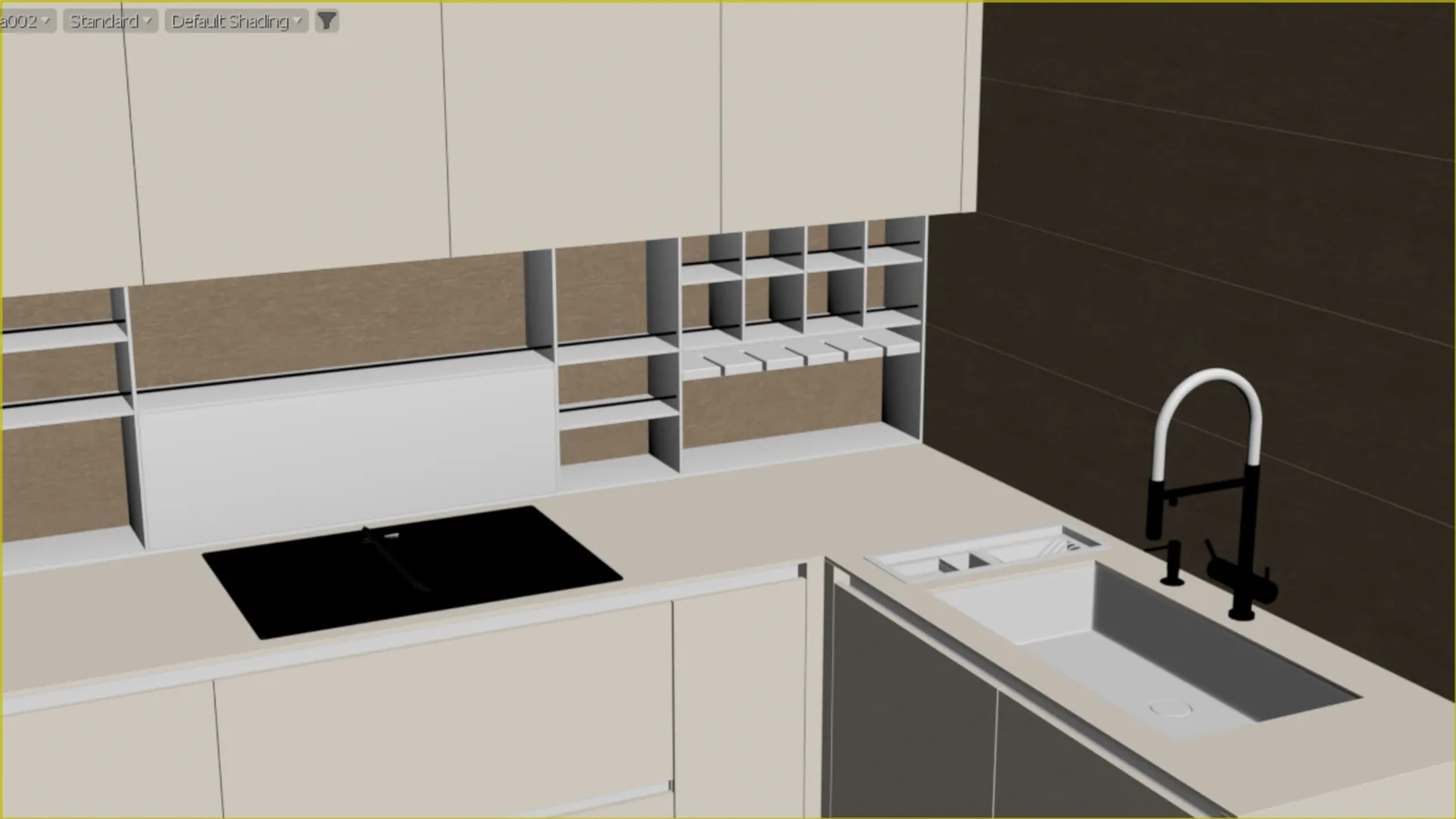
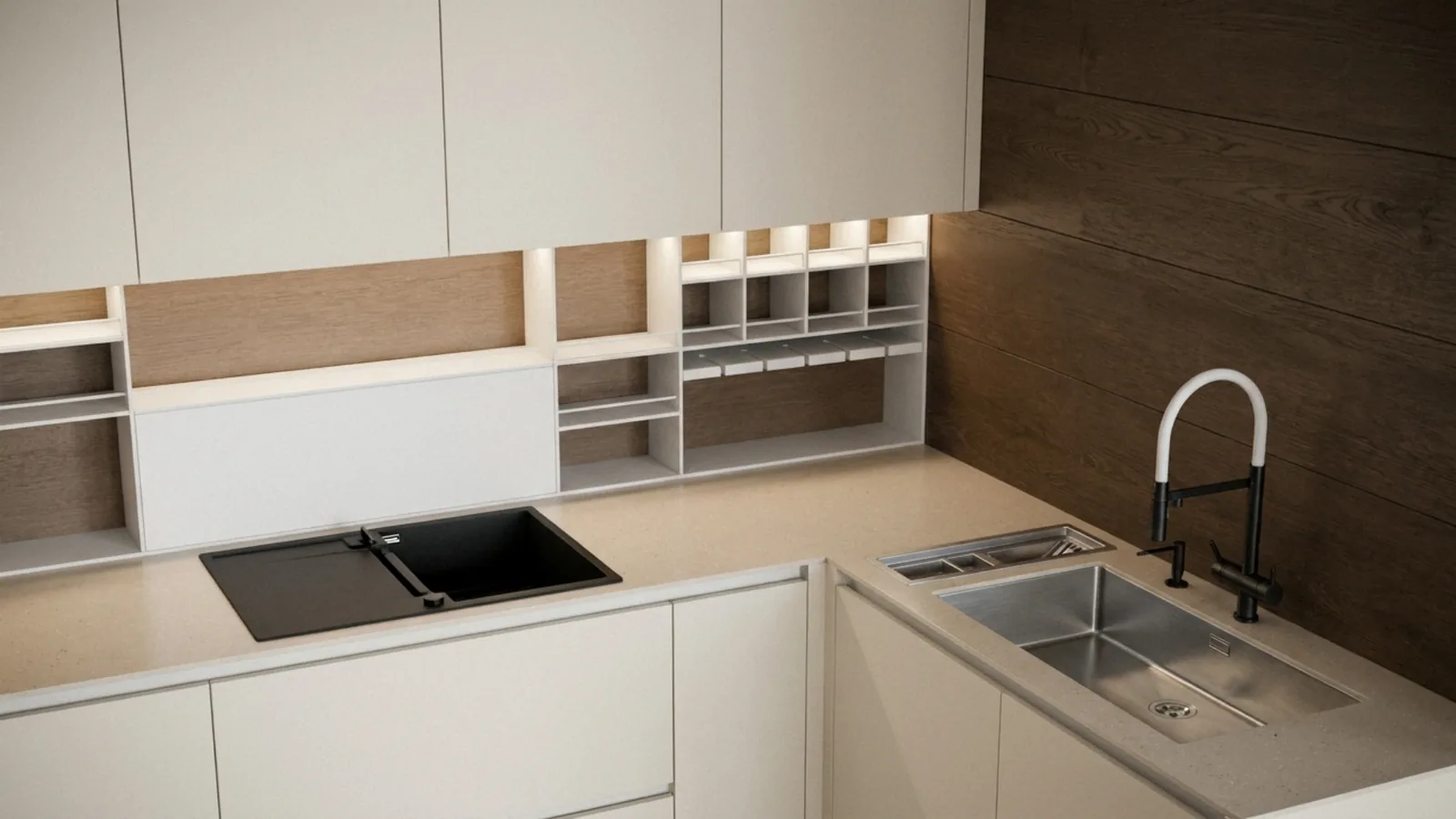
Same camera, real light.
Every frame comes from its own camera in 3ds Max. Geometry, proportions and framing stay. Material, light and air change.
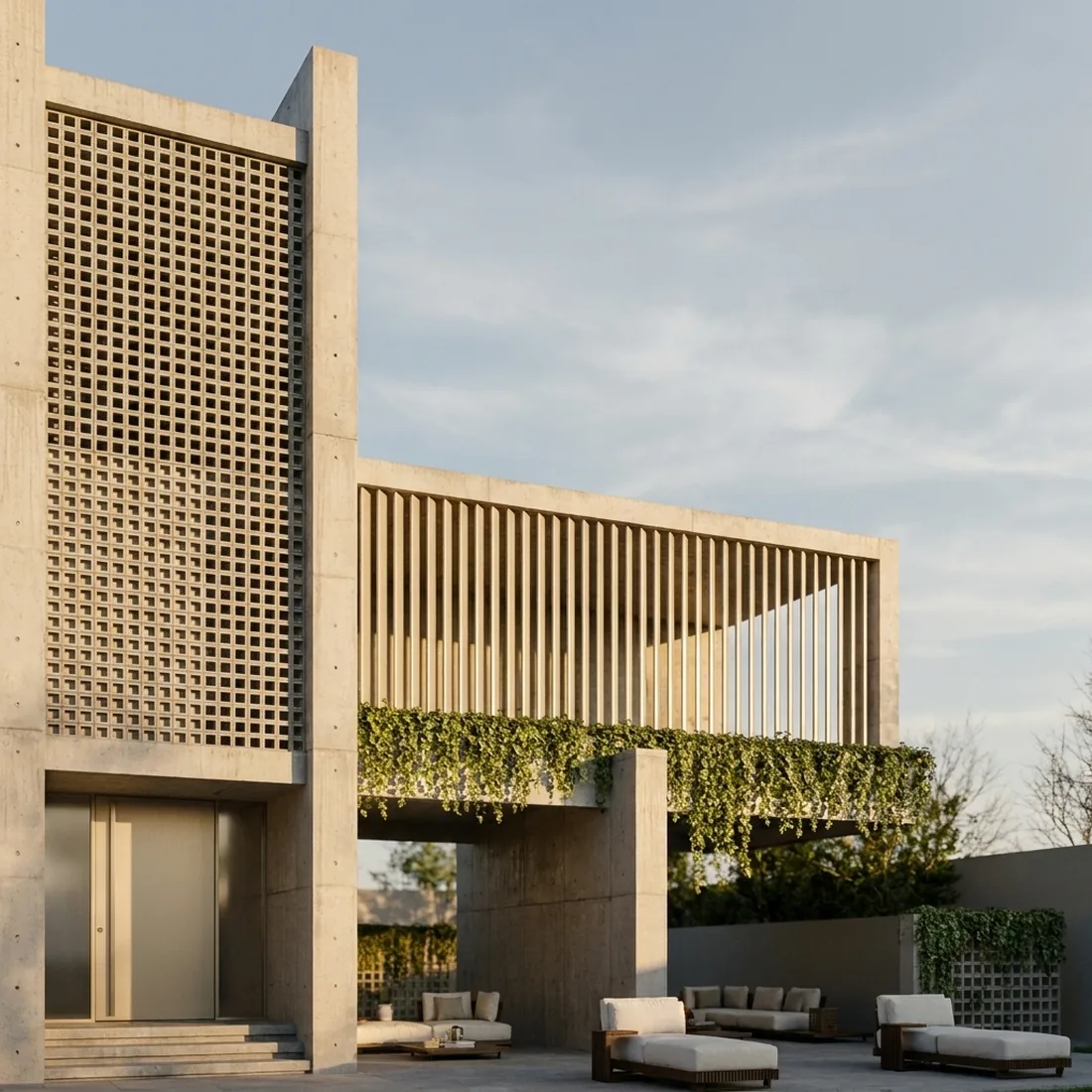
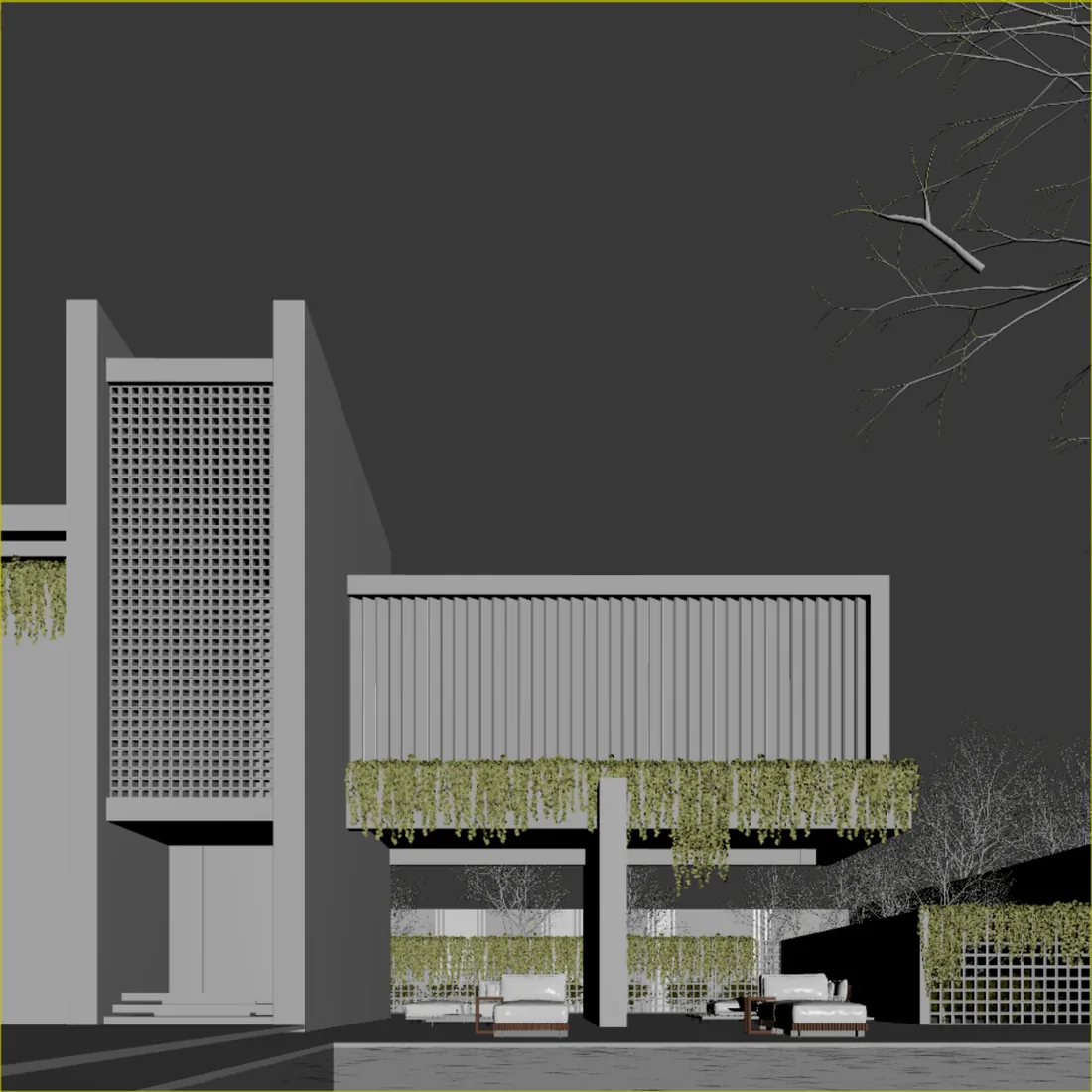
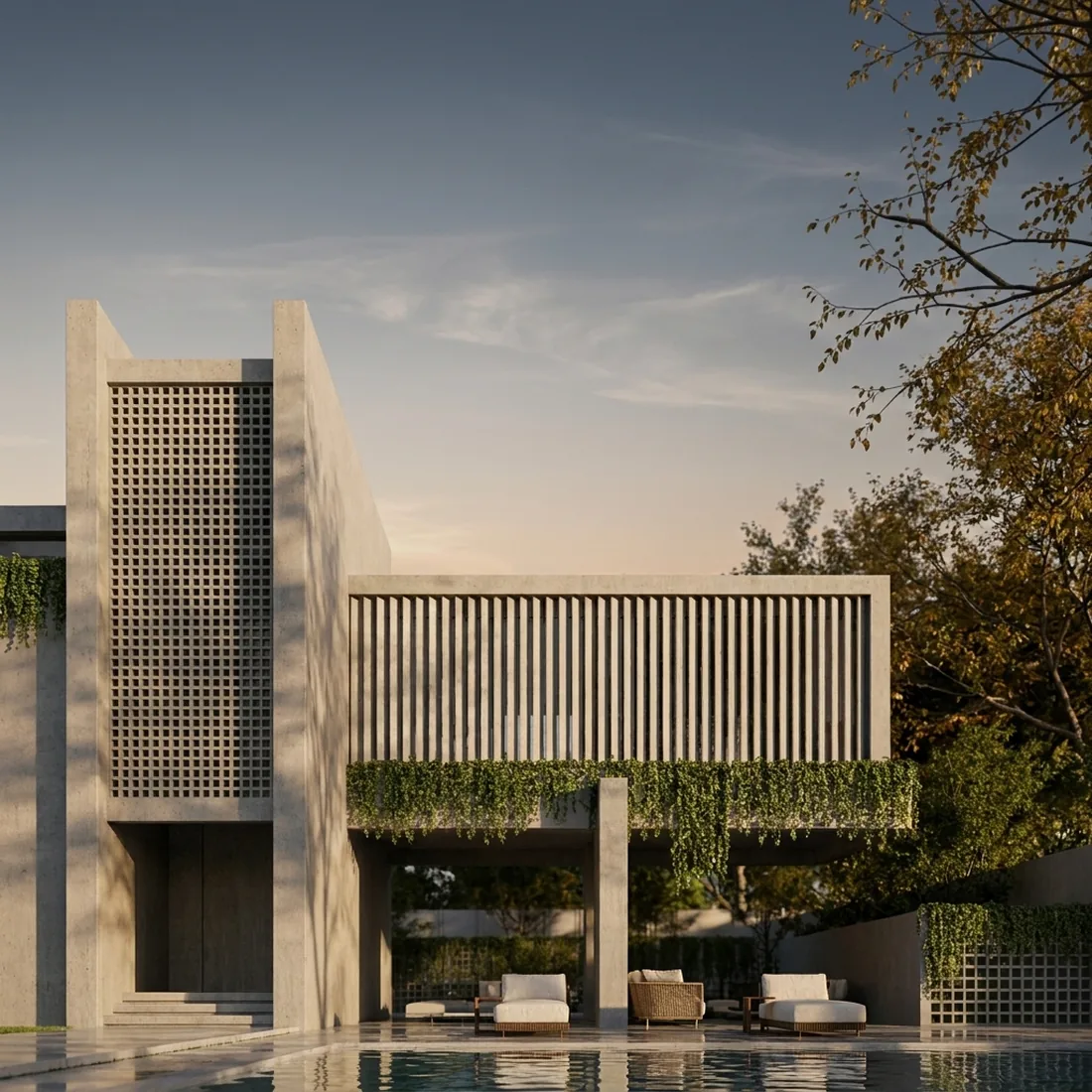
As you scroll, the line moves left to right and the viewport becomes a photograph. Scroll back and it returns.
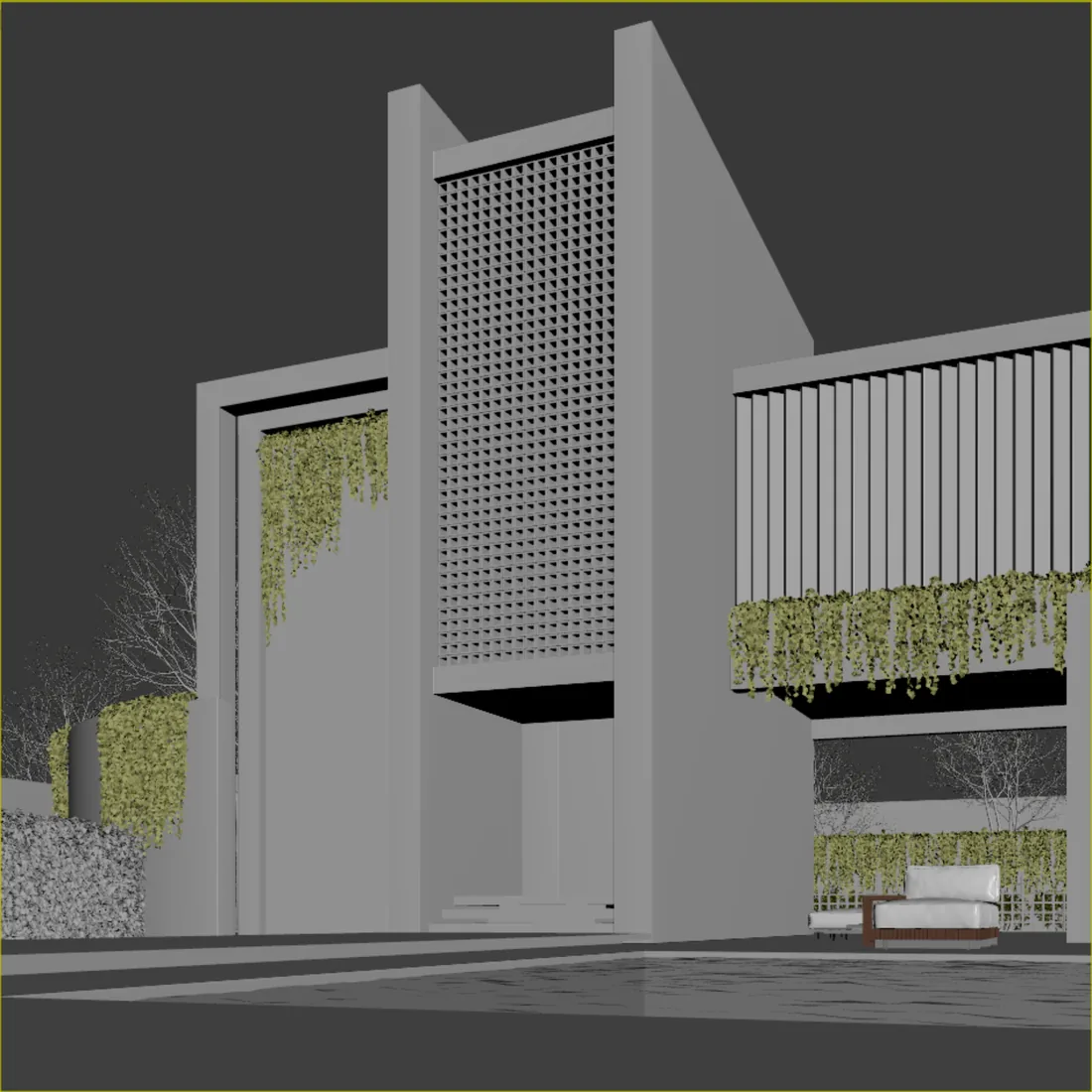
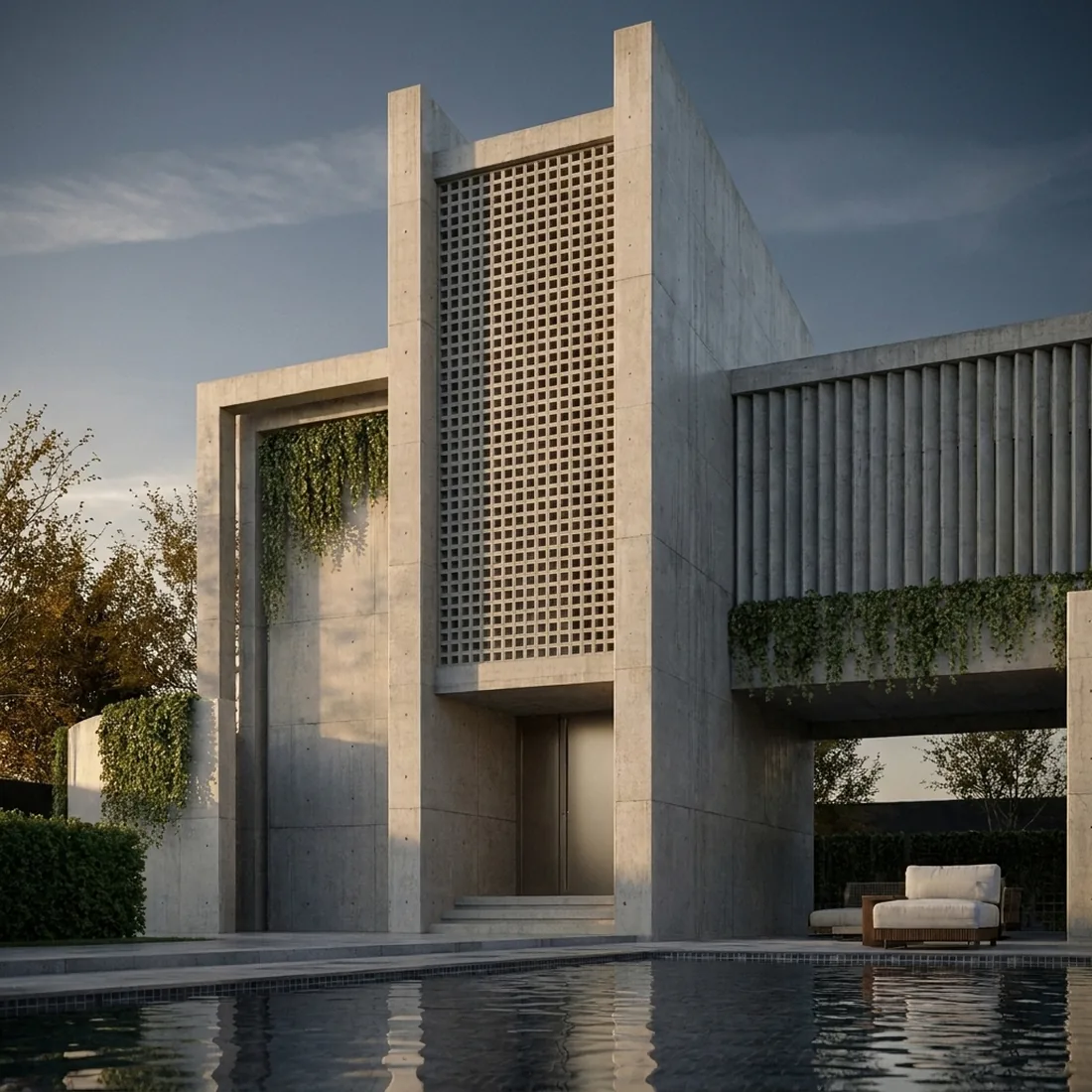
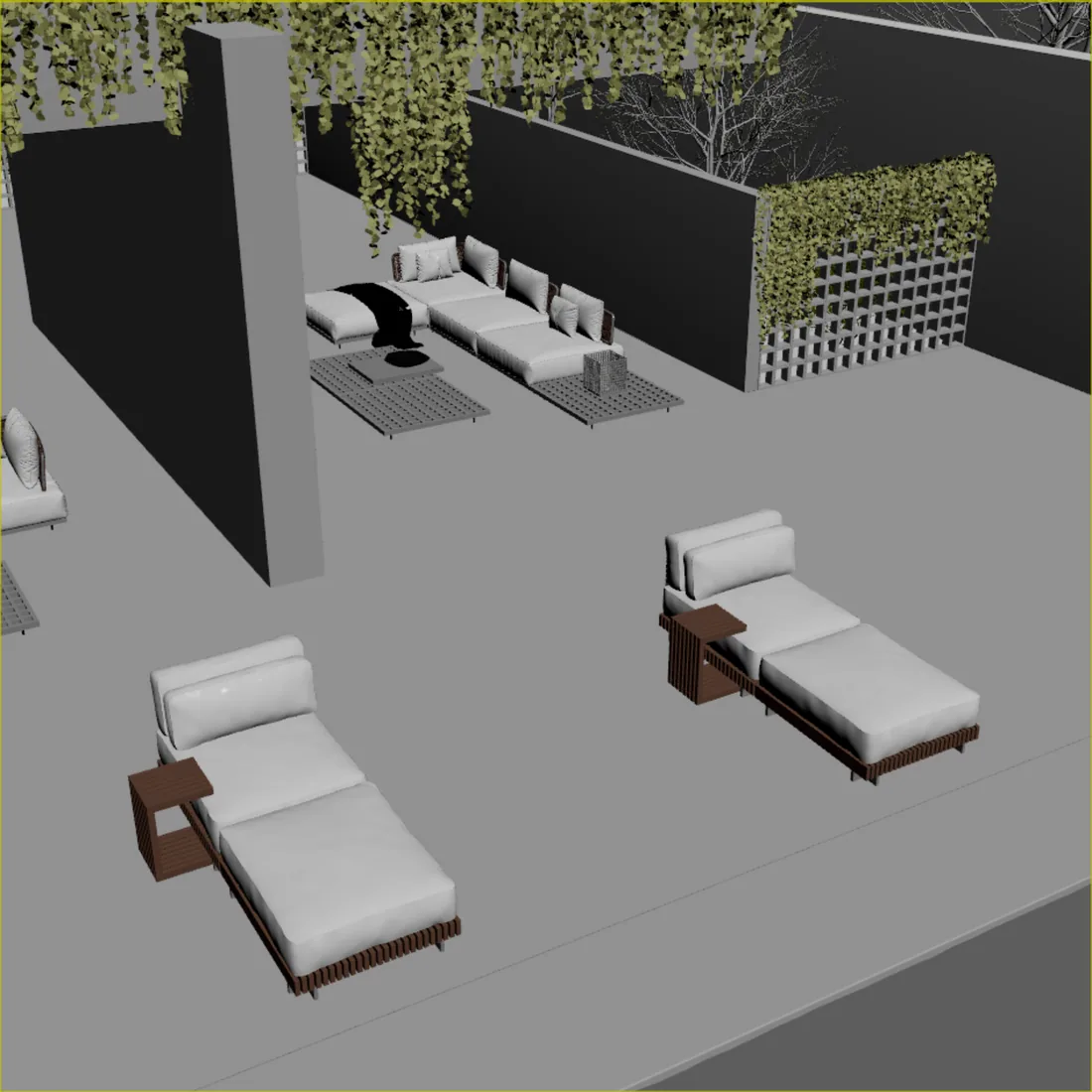
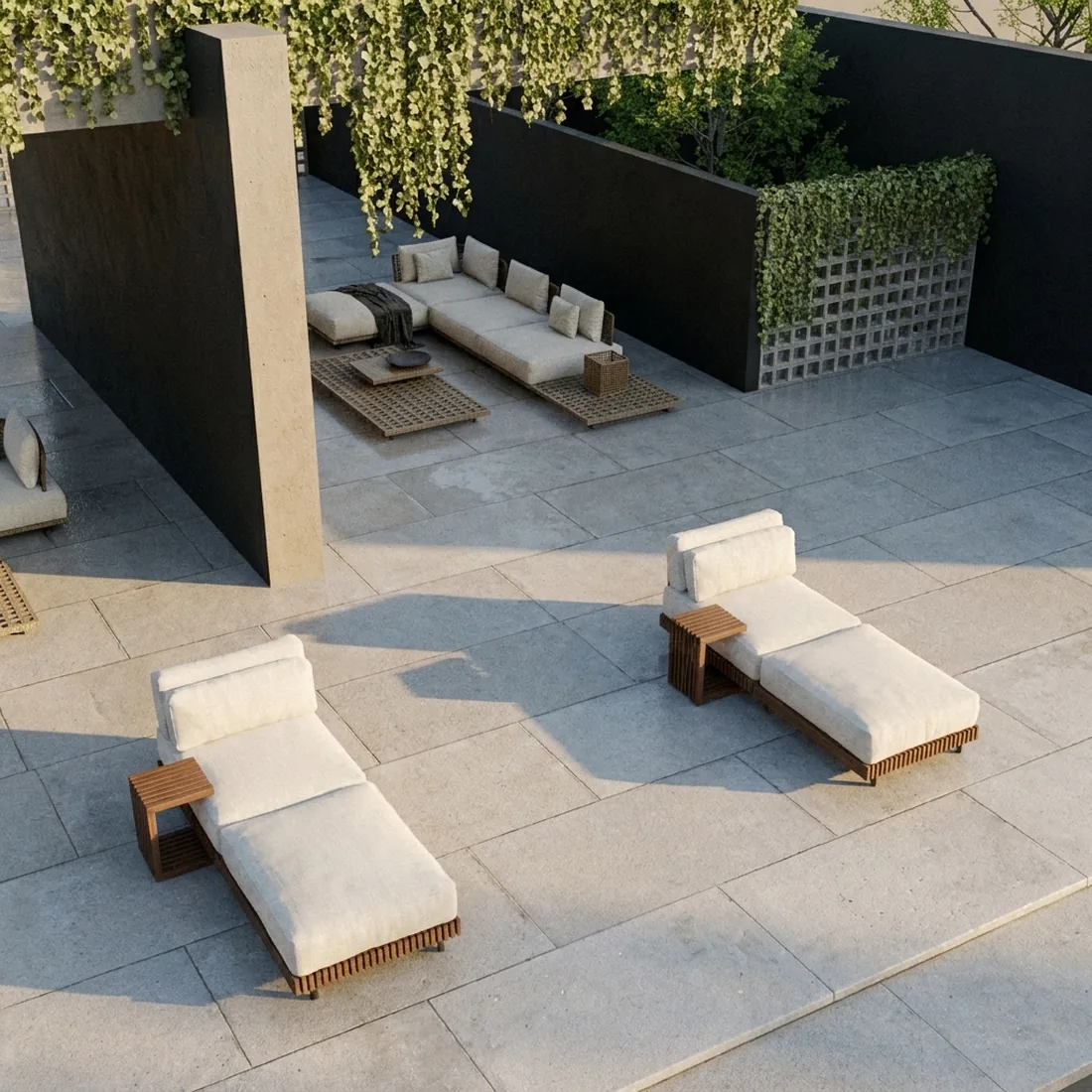
One project, three cameras.
Three cameras on the same glass house. Click a picture to compare it with its viewport.
From viewport to video.
The same living room, the same camera. Light and material first, then people, then motion.
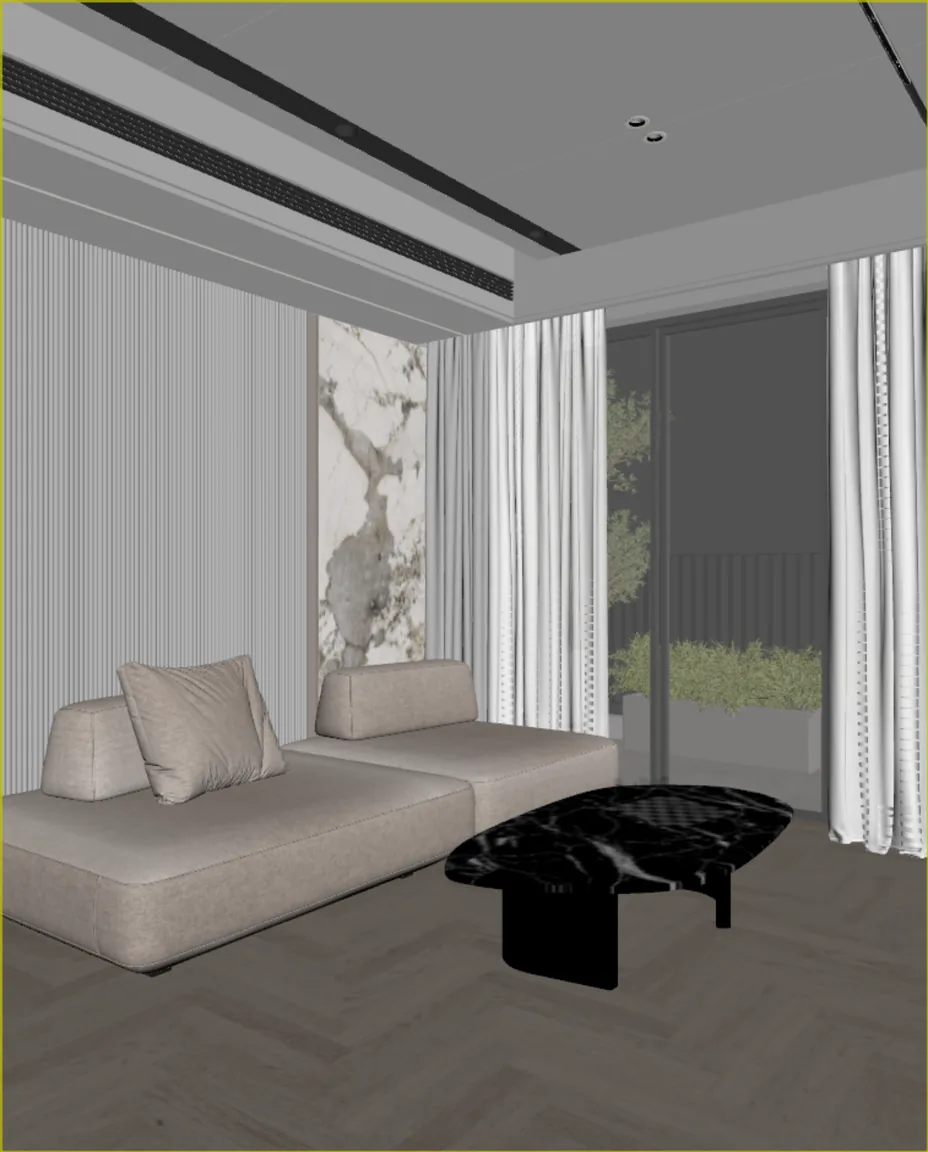
Viewport
The living room, from its 3ds Max camera, as it is.
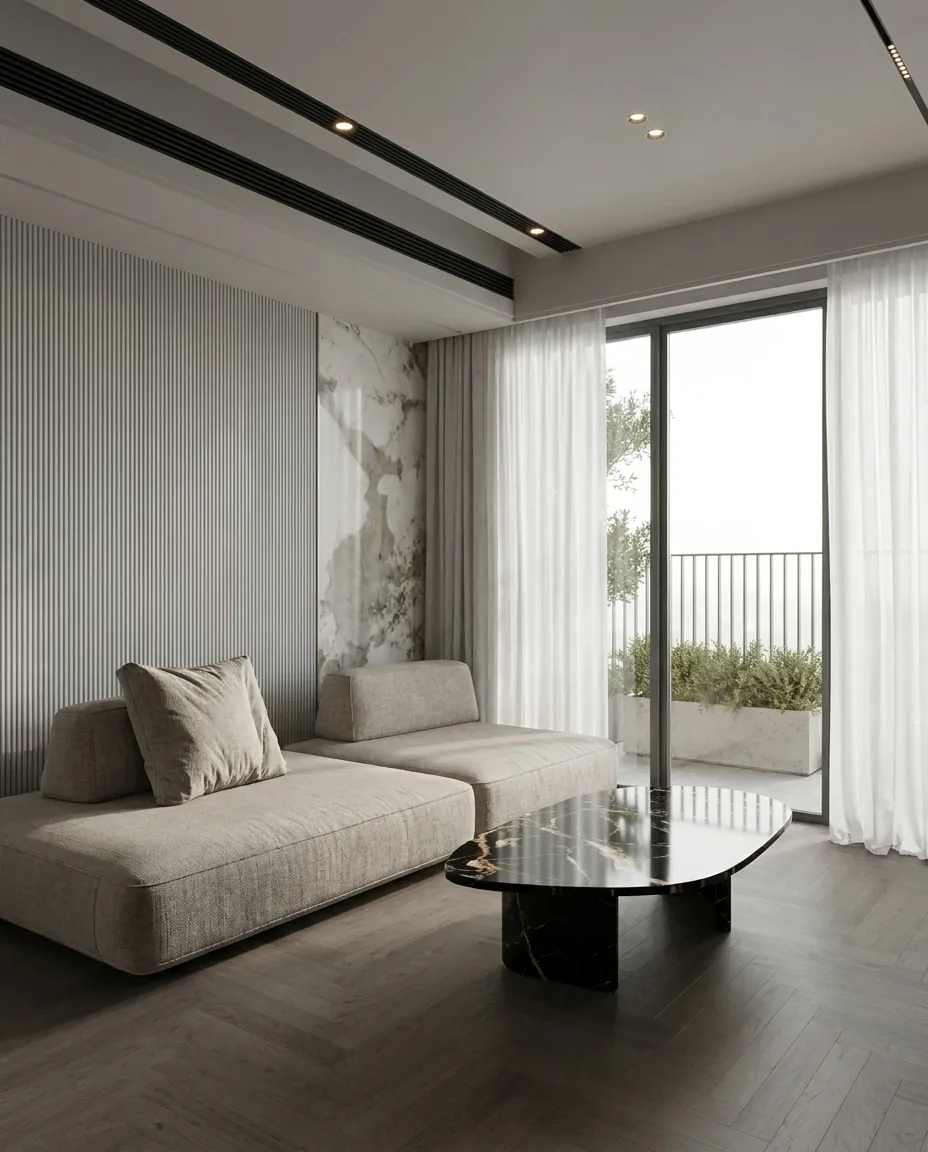
Photoreal
Material, light and the curtain's weave from CelebAI Studio.
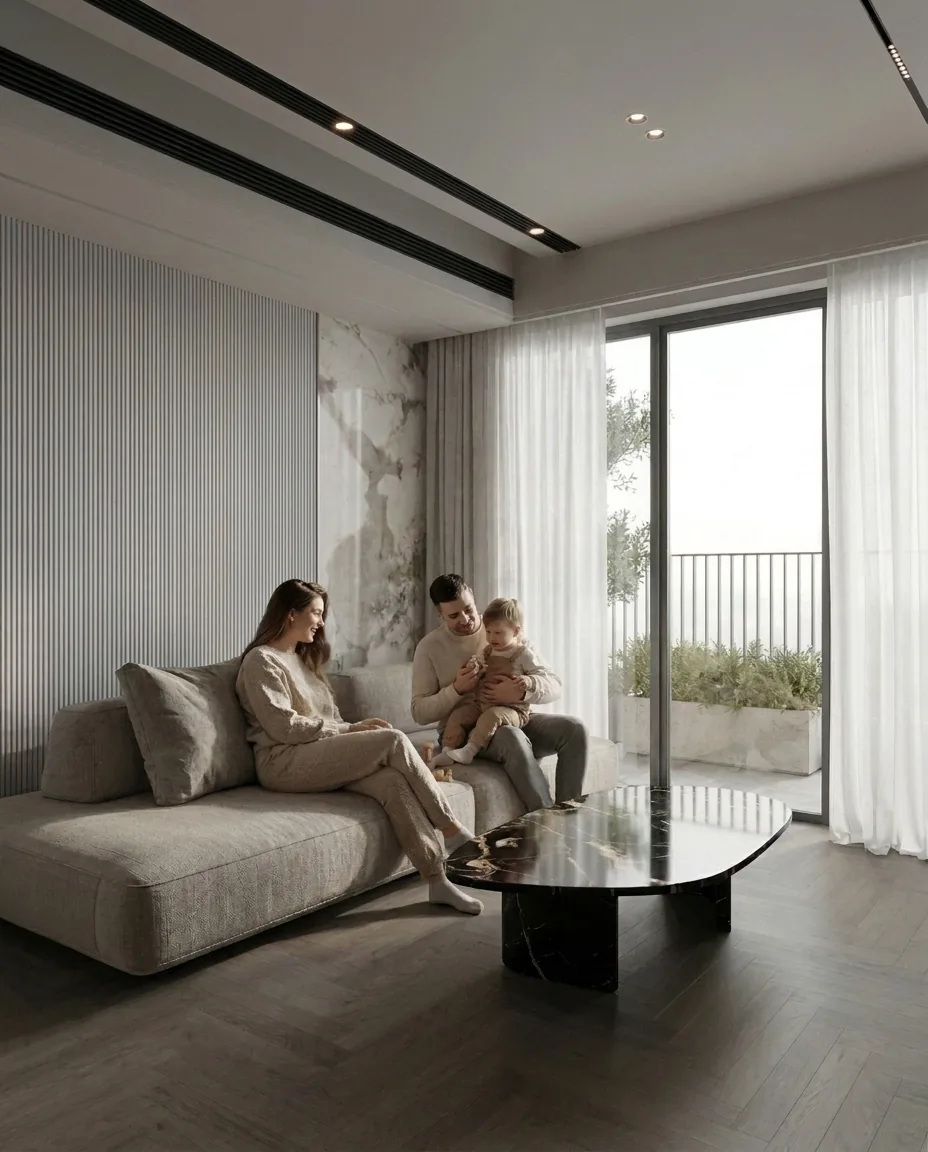
Add people
One edit sat a family on the sofa. The room stayed the same.
Make it move
The edited frame became a short video. The curtain moves in the breeze.
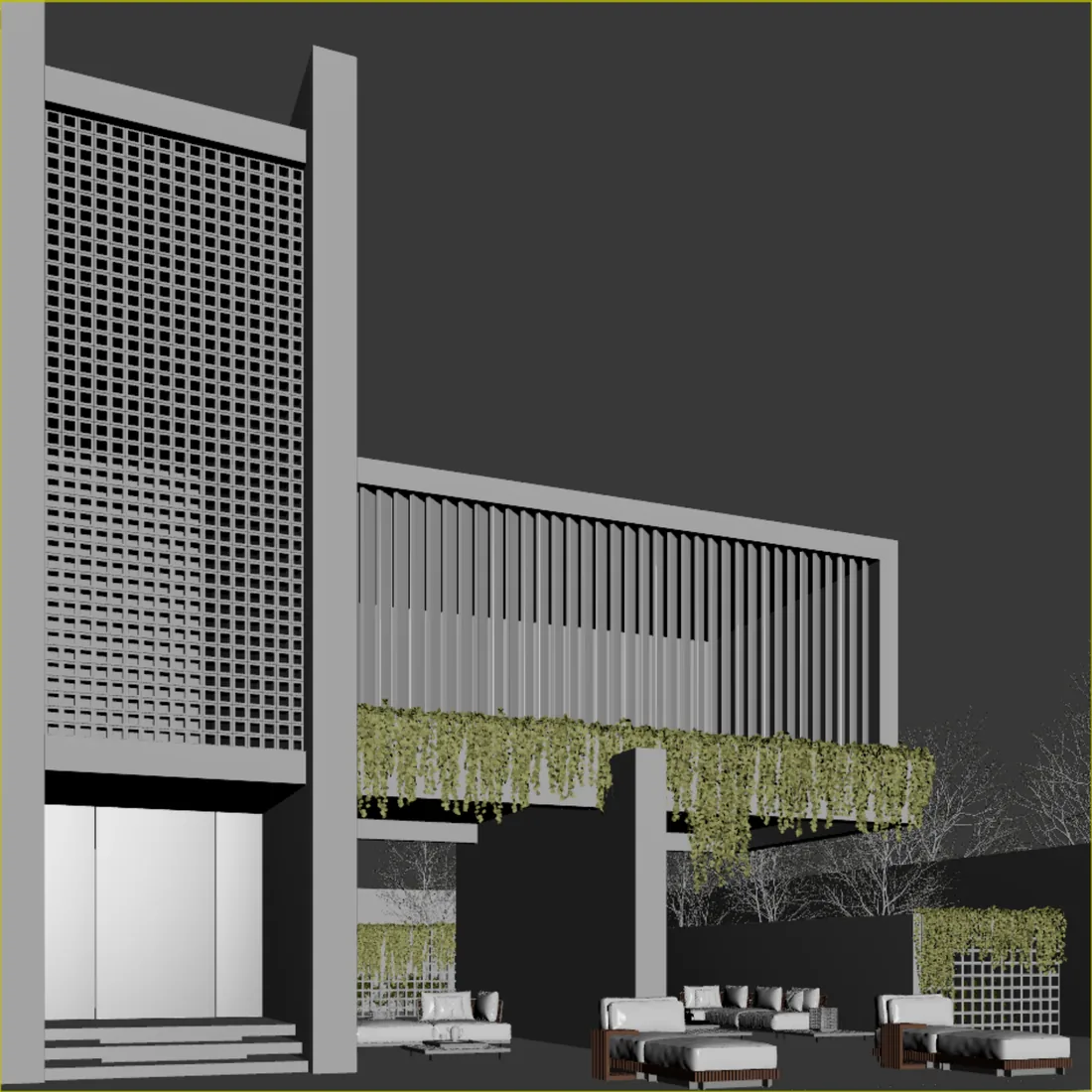
One facade, two times of day.
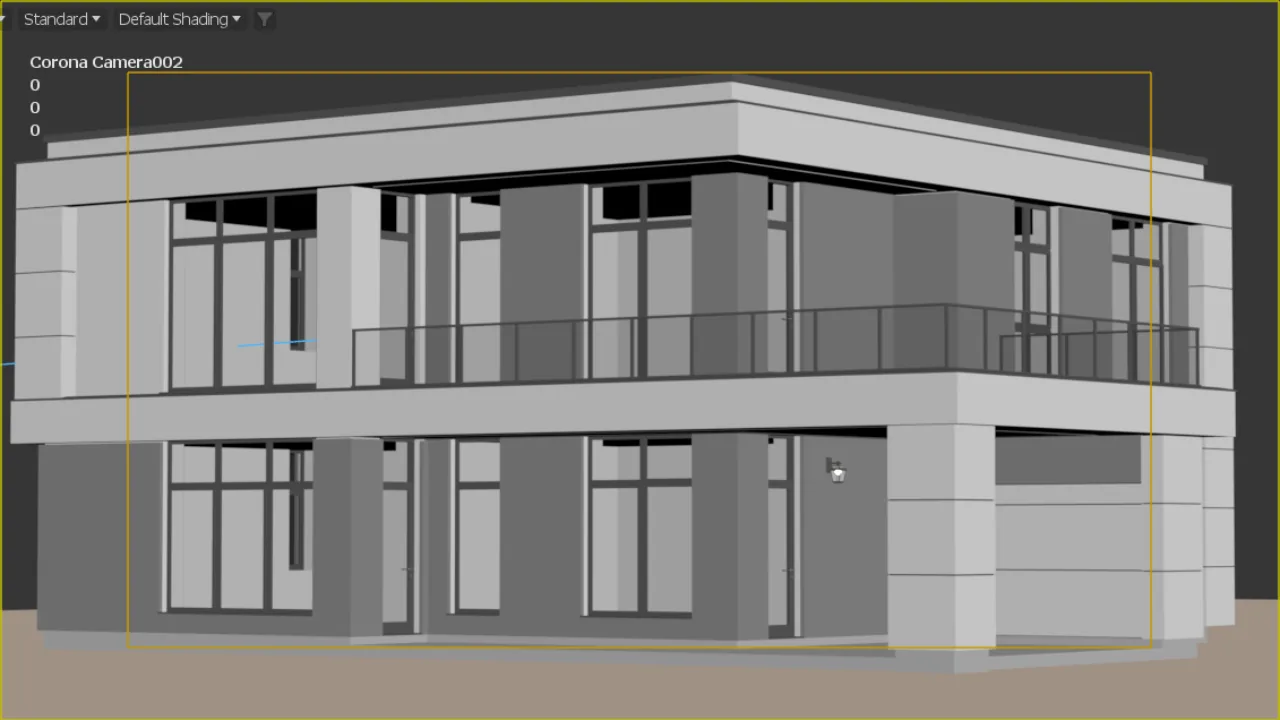
Viewport
A two-storey villa in 3ds Max, Default Shading.
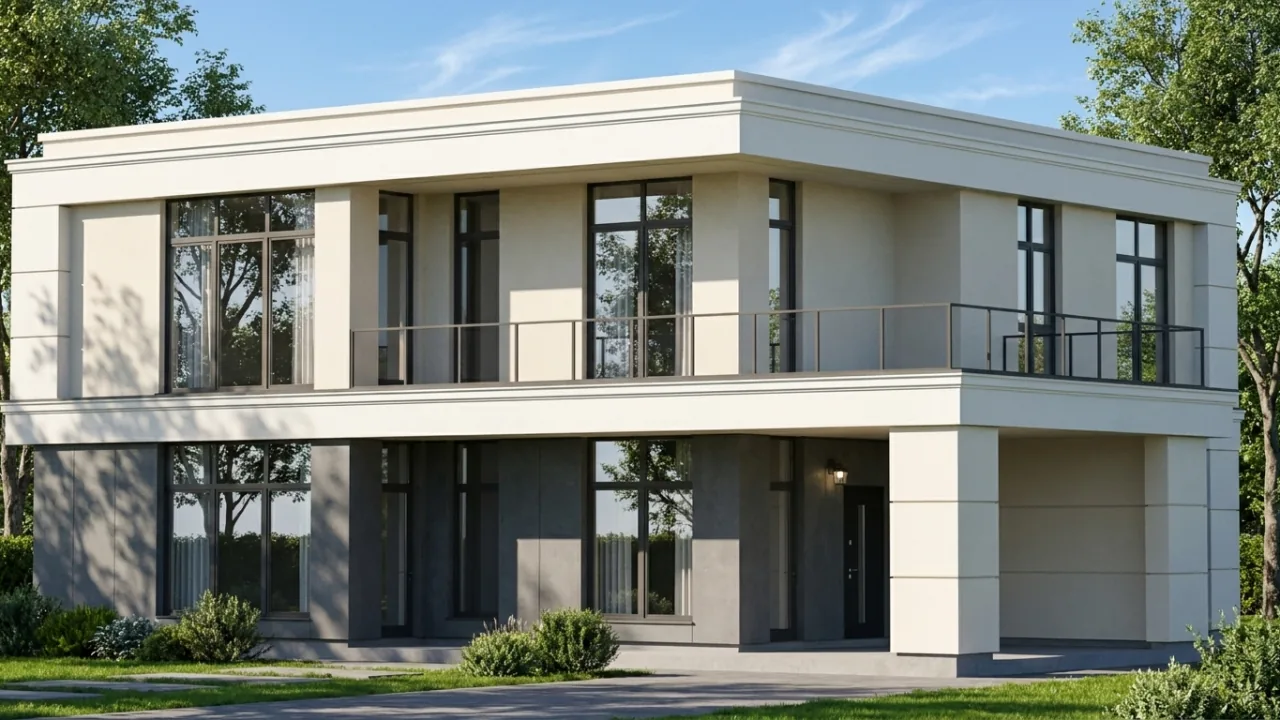
Day
The CelebAI Studio result. Midday light, open sky, render and stone texture.
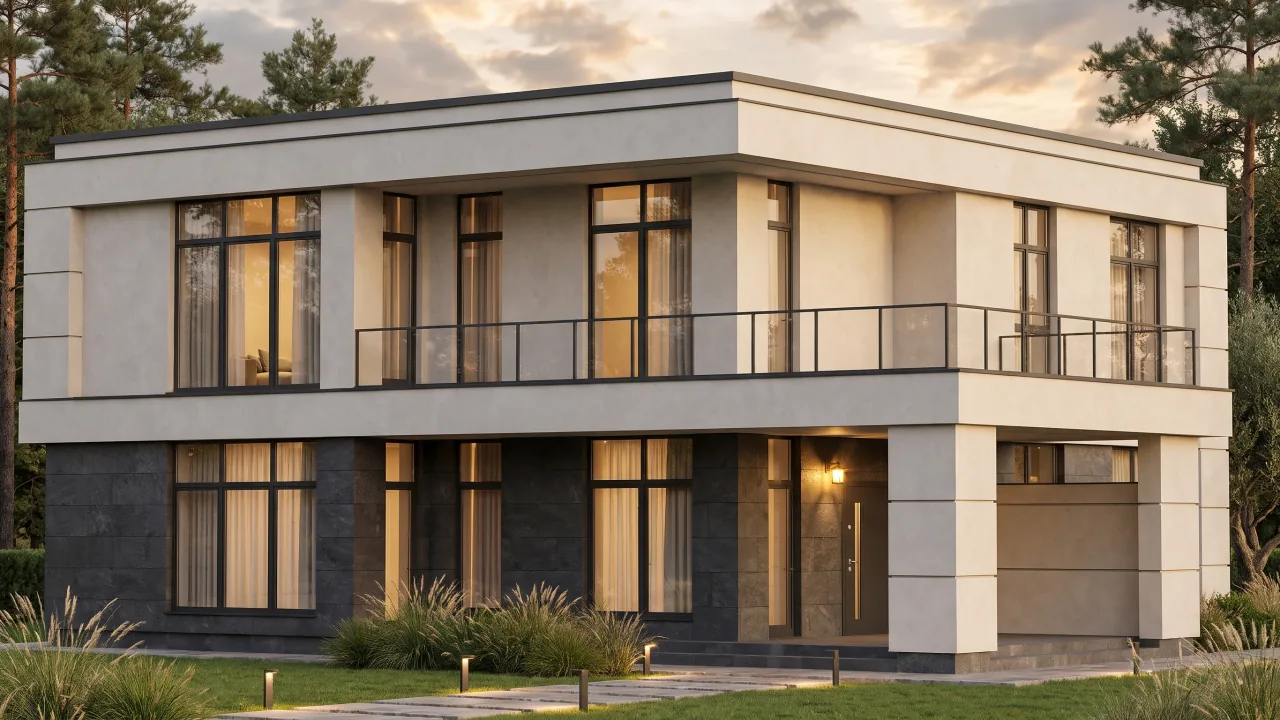
Evening
The same frame, edited to evening light. The lamps inside are on, the sky has warmed.
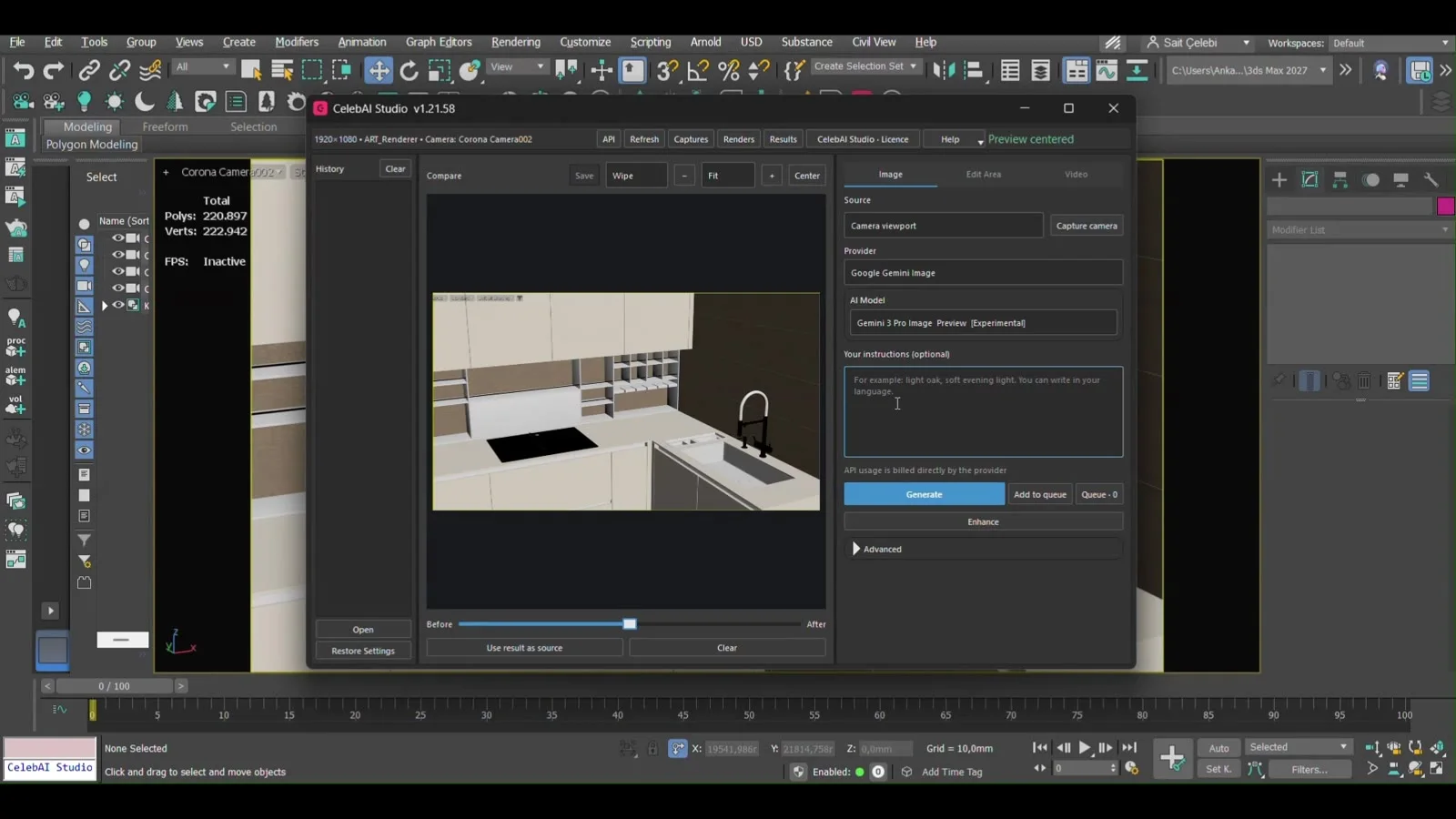
What's in the panel.
Source
The source comes from 3ds Max: a camera or an existing image.
Generation
You set the provider, the model and the instructions.
Result
You compare the result, edit it, turn it into video.
Uses the camera view in 3ds Max as the source.
Requirements
Runs in 3ds Max 2025, 2026 and 2027 on Windows.
Supported 3ds Max versions
- 2025
- 2026
- 2027
- Local generation
- ComfyUI, no API charge
- Cloud generation
- Usage billed by the provider you choose
Price